Managing PDF files easily is a big need for many people. Business people as well as students need a reliable way to handle these documents, and many tools offer this functionality, especially for the Windows platform. Adobe actually created the Portable Document Format (PDF) and they definitely remain on top of the market with Adobe Acrobat Reader.
A modern, tabbed interface
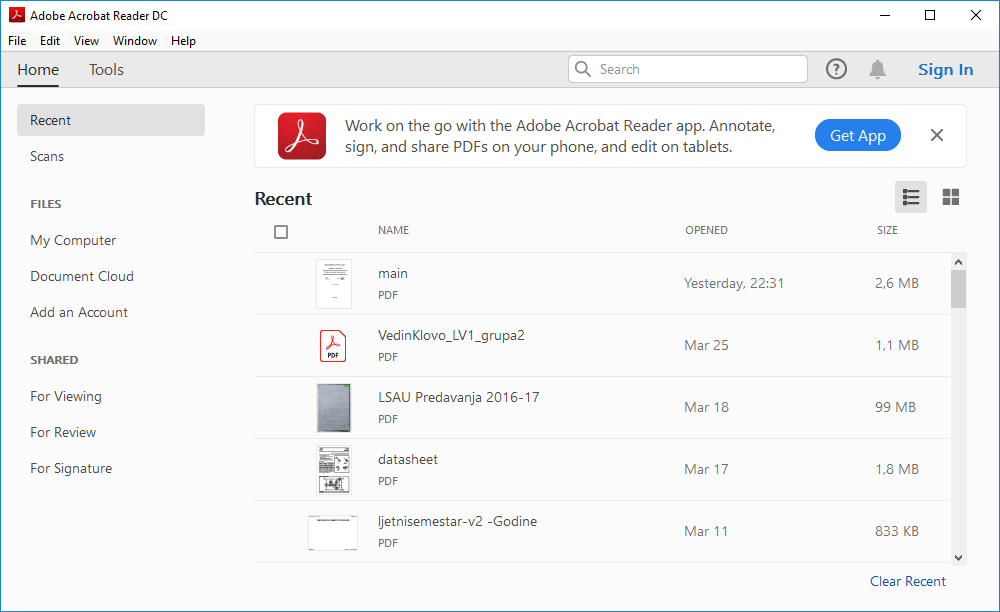
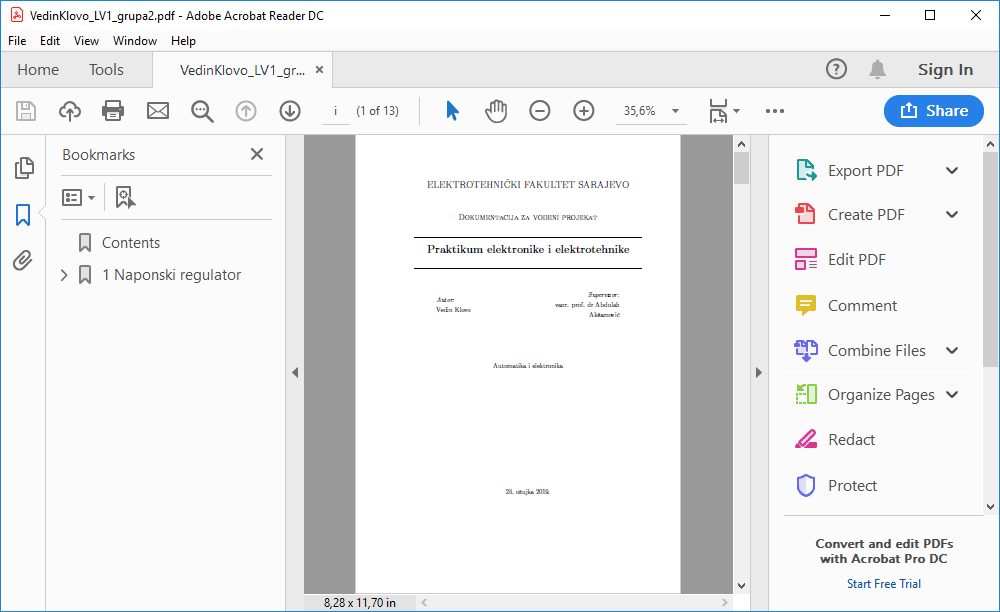
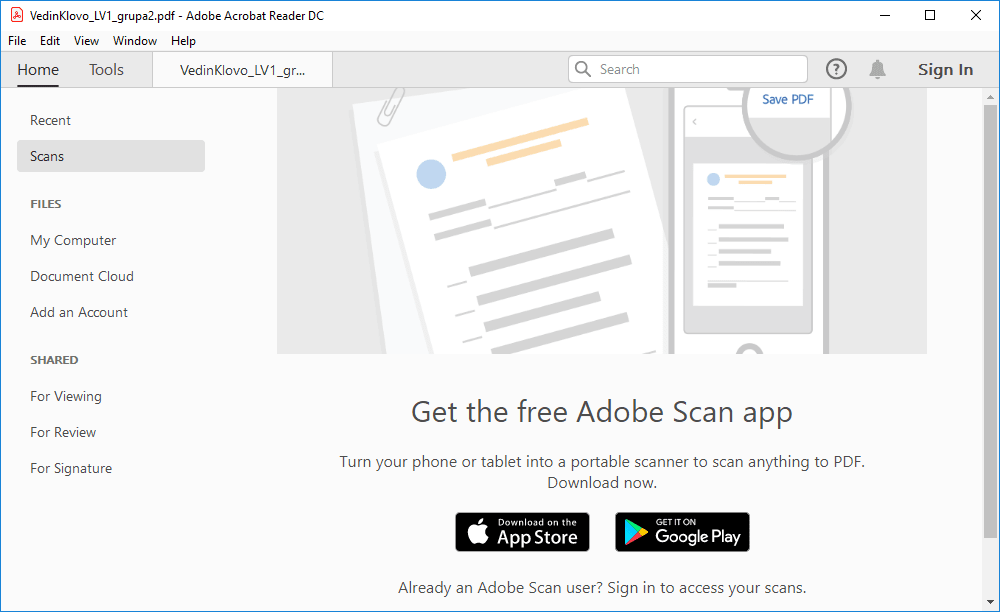
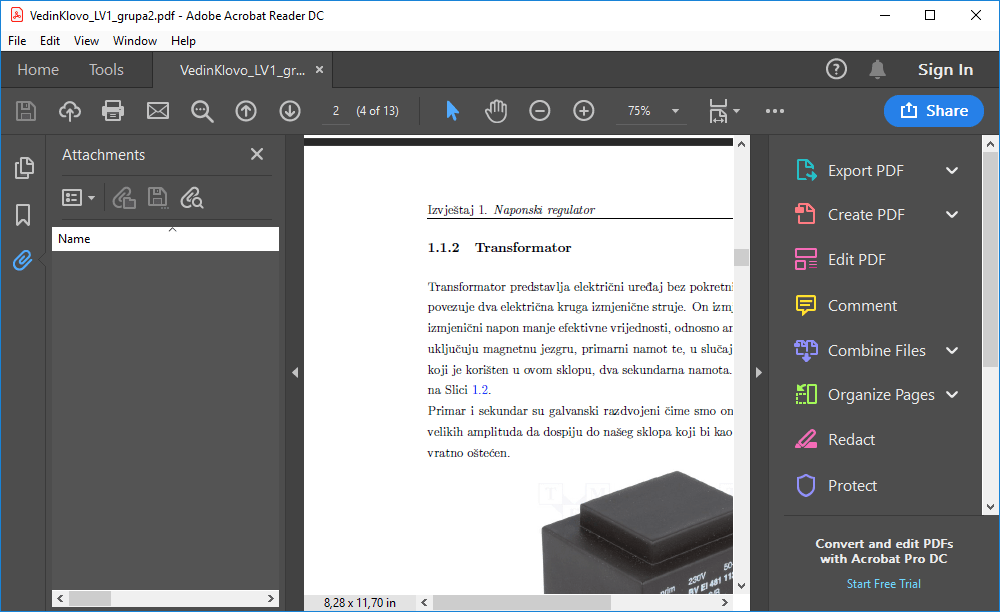
The app looks nice with its modern design. It provides a browser-like experience with tabs such as Home, Tools, and a tab for every PDF file you have opened recently. The overall experience with viewing PDF files is great. However, Acrobat Reader takes a while to open when you double-click a PDF file, and many users simply prefer to open it in their browser.Conversion and digital signatures
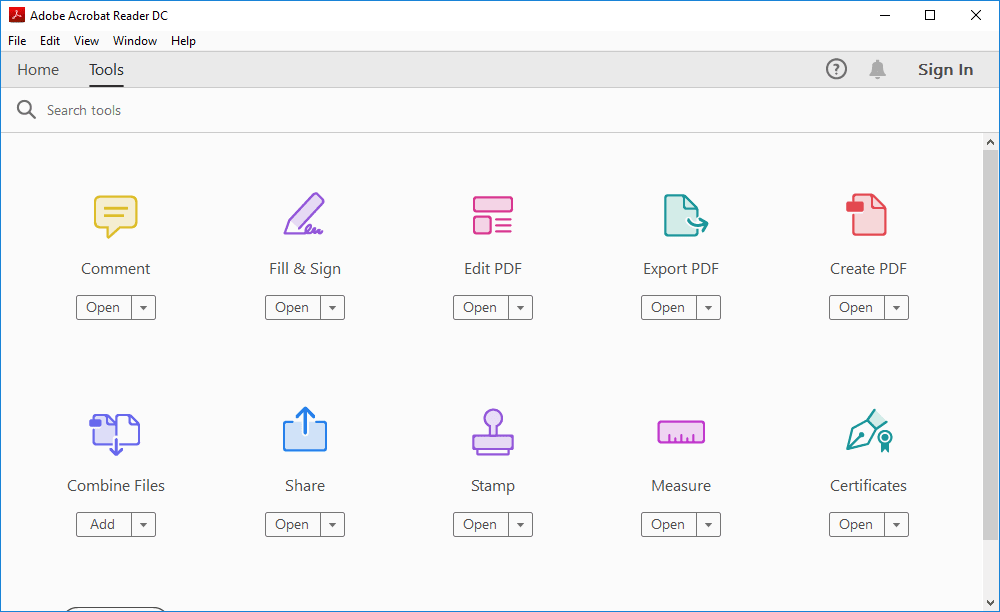
Besides PDF viewing, Adobe Acrobat provides some unique tools. You can easily convert PDF files to many other formats such as Word or Excel documents. It also works the other way around, enabling you to convert other file formats into PDF. PDF files can be digitally signed easily, and you can even add digital stamps which can also be created quite easily.Premium features and subscription model
However, additional features are only available for the Pro version of the tool, which requires a paid subscription. This might seem a bit steep for users who don't use the additional features that often. They include file combining, protection, optimization, and more. Editing PDF files is also something you need to pay for!Optical character recognition
A great Adobe Acrobat Pro feature is OCR support, where you can convert any scanned text document into editable text using the same font Adobe Acrobat recognizes after the scan is over. It remains the best PDF reader, and also a highly capable creator and editor if you are willing to pay up!